
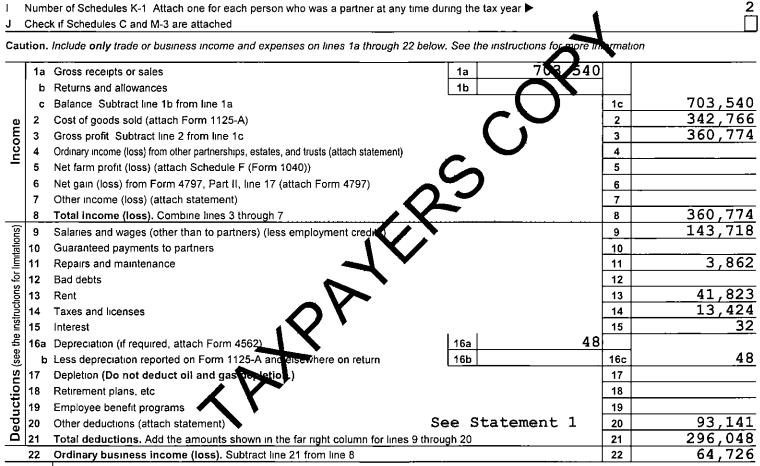
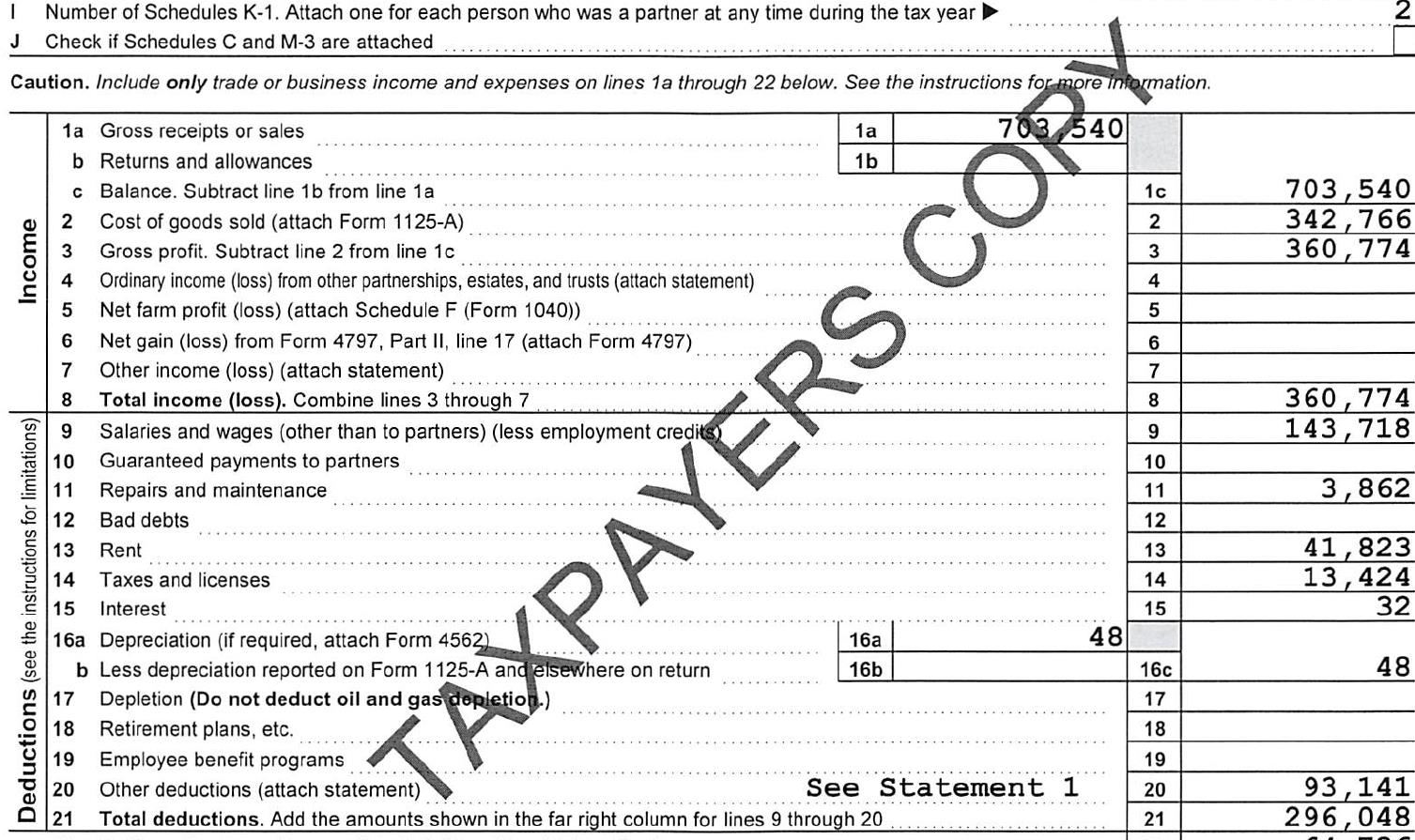
Hello, few of the documents I process using flexicapture has Watermarks, that is causing issues. can anyone help me to fix the issue? watermark is covering the text on the documents. attached two screenshots, one is an actual document, another one is from Flexicapture after pre-processing.
Comments
4 comments
Hi,
Maybe you could try with Kofax VRS component, if you received its license with your scanner. It could help you remove watermarks.
Best regards,
Vladimir
Hello, you can try to change Image pre-processing options:
Deskewing options. By default, these options are selected and the program deskews newly added images relying on black squares and/or on vertical and horizontal separators and text. It is not recommended to turn off the deskewing options unless deskewing is done incorrectly (e.g. if the program interprets a stamp or a graph as a separator and attempts to deskew the image based on this faulty data).
fcdot file doesnot provide data as provided by the administrator station. Please provide any suggestion regarding this.
Hi,
Try pre recognition of the image in flexi layout by using ctrl+r and also as others mentioned you can use the option of Deskewing and give the error pixel range and extract the values as needed by using region mode extraction.
Let us know if this helps.
Regards,
Pavan H
Please sign in to leave a comment.