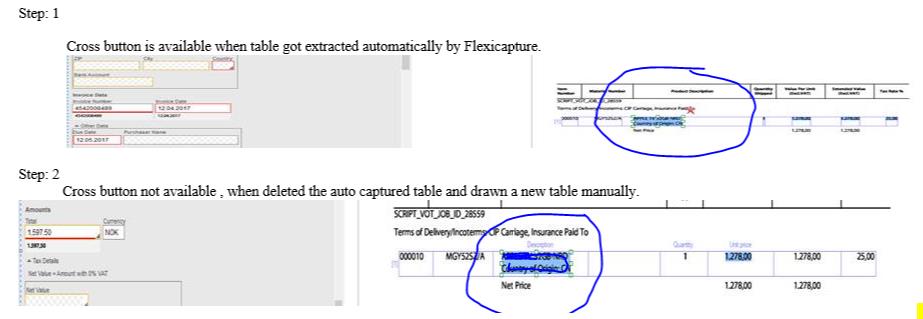
On redrawing a table inside invoice(manually) , the cross button is not visible for deleting the cell’s data that captured.
For more details kindly refer the attached image.
Please help to delete the extracted data in table cell.

On redrawing a table inside invoice(manually) , the cross button is not visible for deleting the cell’s data that captured.
For more details kindly refer the attached image.
Please help to delete the extracted data in table cell.
0 out of 0 found this helpful
Comments
5 comments
Hello,
Please use the "Delete" button.
Thanks for your reply!
"Delete" button is not working for this scenario.
Hi,
Since it looks like it is a table, You can ignore the column which you don't need.
Regards,
Pavan H
Hello,
In the required columns , I need to change auto extracted values. But as the delete option is not available , I cannot perform this.
Thanks,
Hello,
We recommend to address the issue to your regional support.Please send them the project, sample images, scenario description (what do you exactly do to achieve the results).
Please sign in to leave a comment.