
Hi everyone,
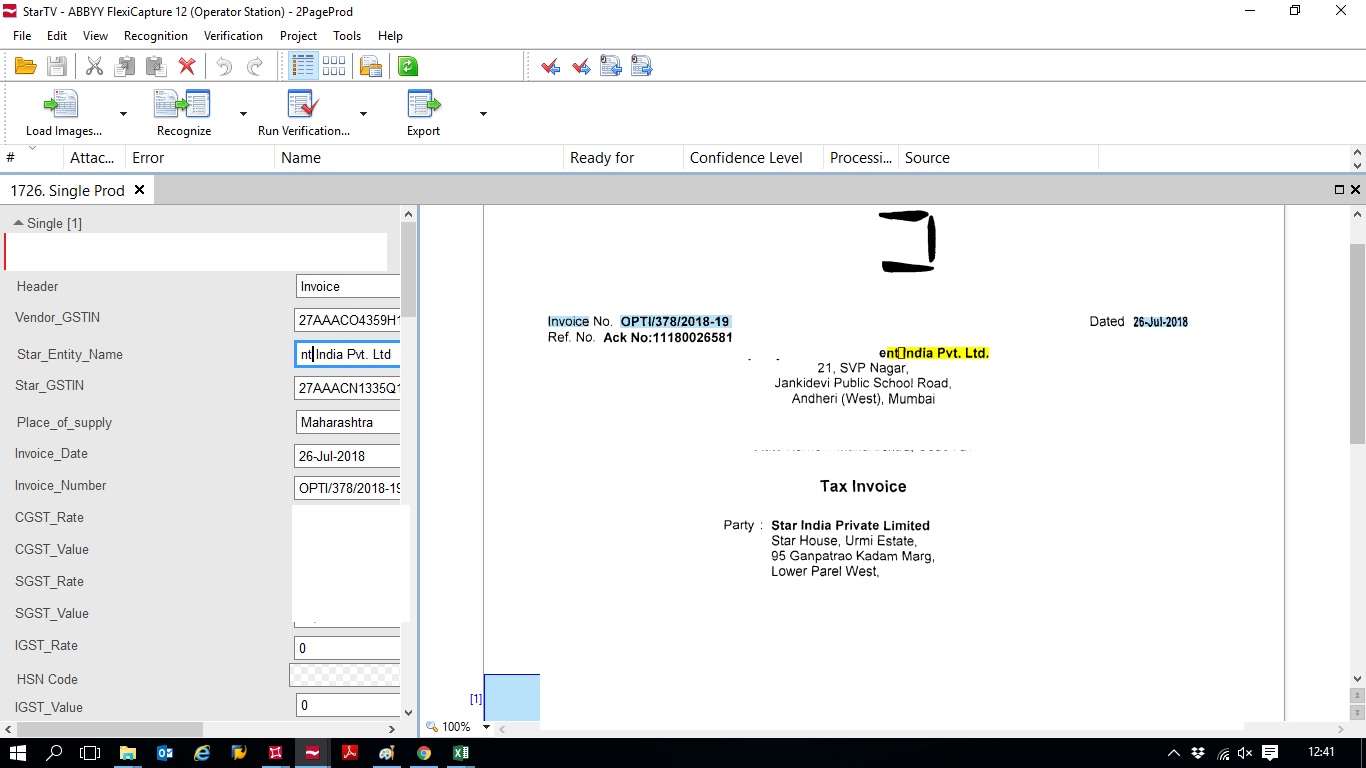
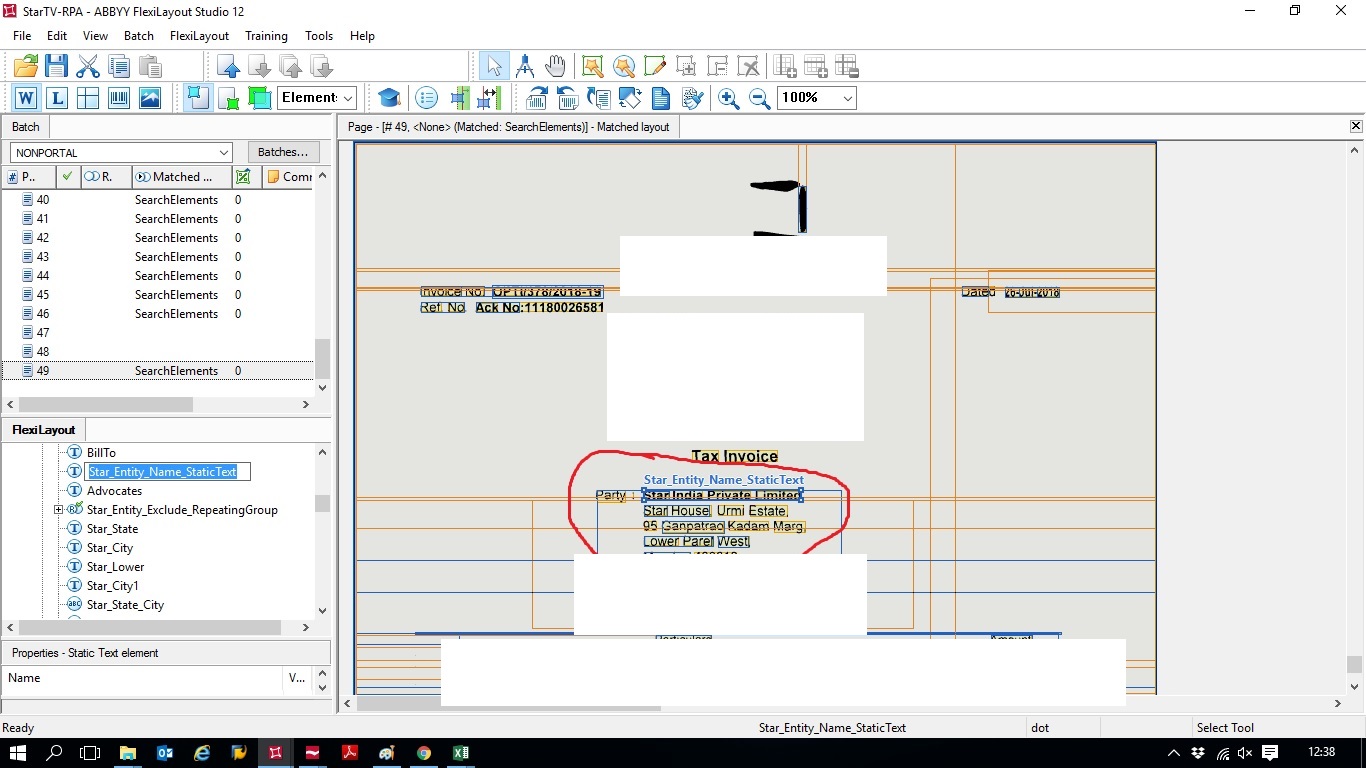
I have created data extraction logic in Layout studio where i am getting every data as defined. and when i am using defined logic of .afl in Product station with some normal logic of calculation of invoice data i am not able to see correct defined data. There so many fields are blank, or picking up wrong value etc.
I am attaching some screenshots of it
please find those and help me out with this.
Thanks!
Comments
5 comments
Hello,
If the results of flexilayout matching in FLS and FC are different for the same image, please check your pre-recognition settings. Load Image > Image Preprocessing settings button > Image processing block > Convert color and gray images to black-and-white. Usually in the FLS the BW conversion by default is ON, and in the FC it's OFF and that is causing the majority of layout matching differences.
If the problem still persists, please send us som sample images and answer what version of the FC do you use and do you use “Use PDF text layer instead of OCR” option?
Hello Ekaterina,
I am using FC 12.
The solution you provided is already applied to my FC but still I am getting Error. It is not capturing the expected field as it is working in FLS. I am attaching Images of field and its error with pdf image that im using in it
https://drive.google.com/open?id=1IPUYb8uI9UqLd7U1AZ6Lyx9aBLf3g8h
Thanks
Hello,
Please send us your project and sample images to reproduction.
Dear Manoj,
We are currently facing a similar problem. Can you please let me know how you have resolved this issue.
We have tried many different options. Please help me out.
Many thanks in advance.
Hi Suresh,
Sorry for replying so late. I hope you are not stuck at this problem anymore, But if you're still stuck then i would love to help you out.
You can message me privately and send screenshot of your issue to me.
I was successfully able to solve this problem after many attempt of try.
Please sign in to leave a comment.