
Hi everyone!
I am trying to capture a table that has a black background for the header and I'm not having any success....
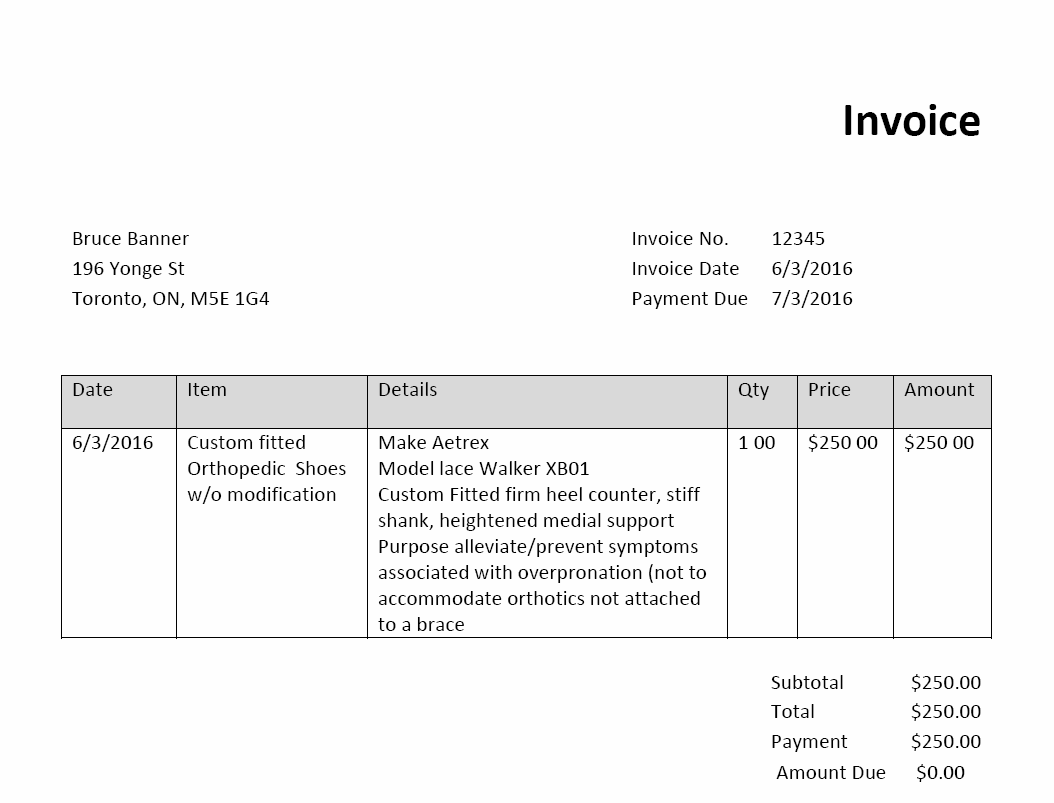
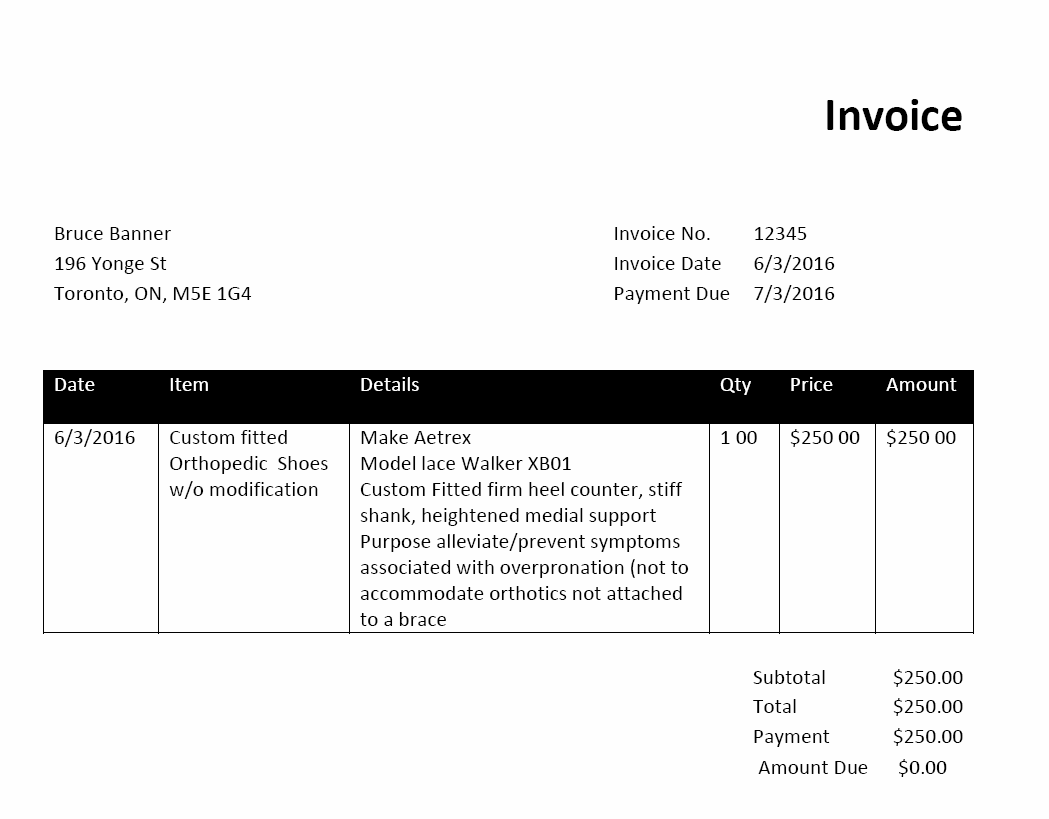
I have recreated the table in word and saved out to a PDF that has a black header with white text (same as my docs) and a second page where the header is light gray with black text.
The result is that my table with the light gray header is detected perfectly, while the table with the black header is not found at all. I've attached the examples I'm using.
Has anyone encountered this before? Any suggestions??
Thanks in advance!
I am trying to capture a table that has a black background for the header and I'm not having any success....
I have recreated the table in word and saved out to a PDF that has a black header with white text (same as my docs) and a second page where the header is light gray with black text.
The result is that my table with the light gray header is detected perfectly, while the table with the black header is not found at all. I've attached the examples I'm using.
Has anyone encountered this before? Any suggestions??
Thanks in advance!
コメント
4件のコメント
Are you using ABBYY FlexiCapture for invoices or your custom FlexiClayout project to recognize these images?
Regards
Tim
We are using a custom FlexiCapture project and template to recognize.
In Document Definition, open field properties (Table Column Properties in your case), then in Recognition Tab there is an option of "Inversion", set it as "Autodetect", so that the field will start recognizing inverted(white text in black backgroud) text also.
But upto my information this facility is available in ABBYY Flexicapture 11 and onward. Which version you are using?
And I think Timur/your Vendor can tell you better about the ABBYY versions in which this feature is available.
- Rahul
Sorry for late response
Consider creating a flexilayout project in order to recognize such images with inverted text.
Regards
Tim
サインインしてコメントを残してください。