
Hello there!
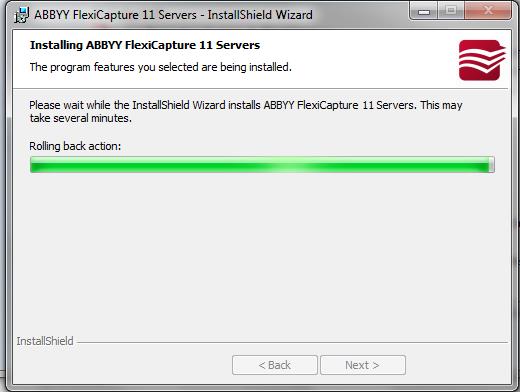
So. im trying to install flexycapture 11 distributed version over a thinkpad with 4Gb RAM + 500 Gb HD+ Core I5@2,5 GHz + Windows 7 Pro x64, i made sure that IIS was set over the Activate /Deactivate Windows Features option in the control panel. I turned off the Windows defender feature and!! When the installation wizard has taken a few minutes it just starts a Instalation rollback and it never installs the software!!
What should i do? may be the OS is not supported?
please take a look to the screenshots attached
thank u for ur help!
コメント
3件のコメント
Hi,
Probably not the only problem but I was told a minimum of 2GB free ram per CPU core is required as an FYI.
Hello,
The detailed analysis of this issue is out of scope of this forum. Please contact your regional support. It would be great if you sent them the Ainfo report:
- go to Control Panel -> Administrative tools -> Event Viewer
- select “System” branch
- go to menu Action and select Save as...
- save the .evt file and send to us
THANK U GUYS
サインインしてコメントを残してください。