
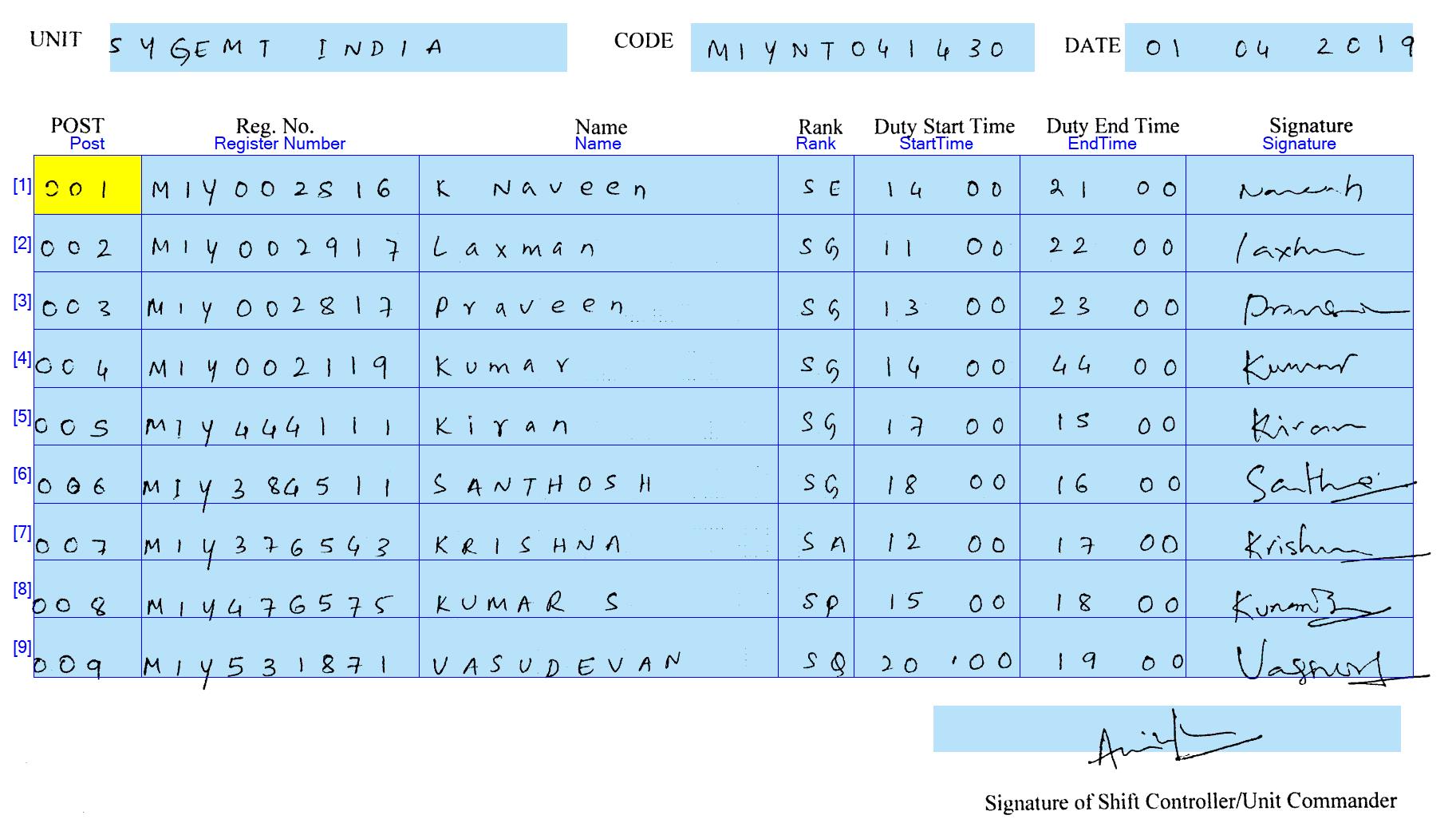
I have set up document definition for a fixed form which works wonderful when I load the scanned image of the form. The Fixed form has a table with rows and columns and it recognizes perfectly.
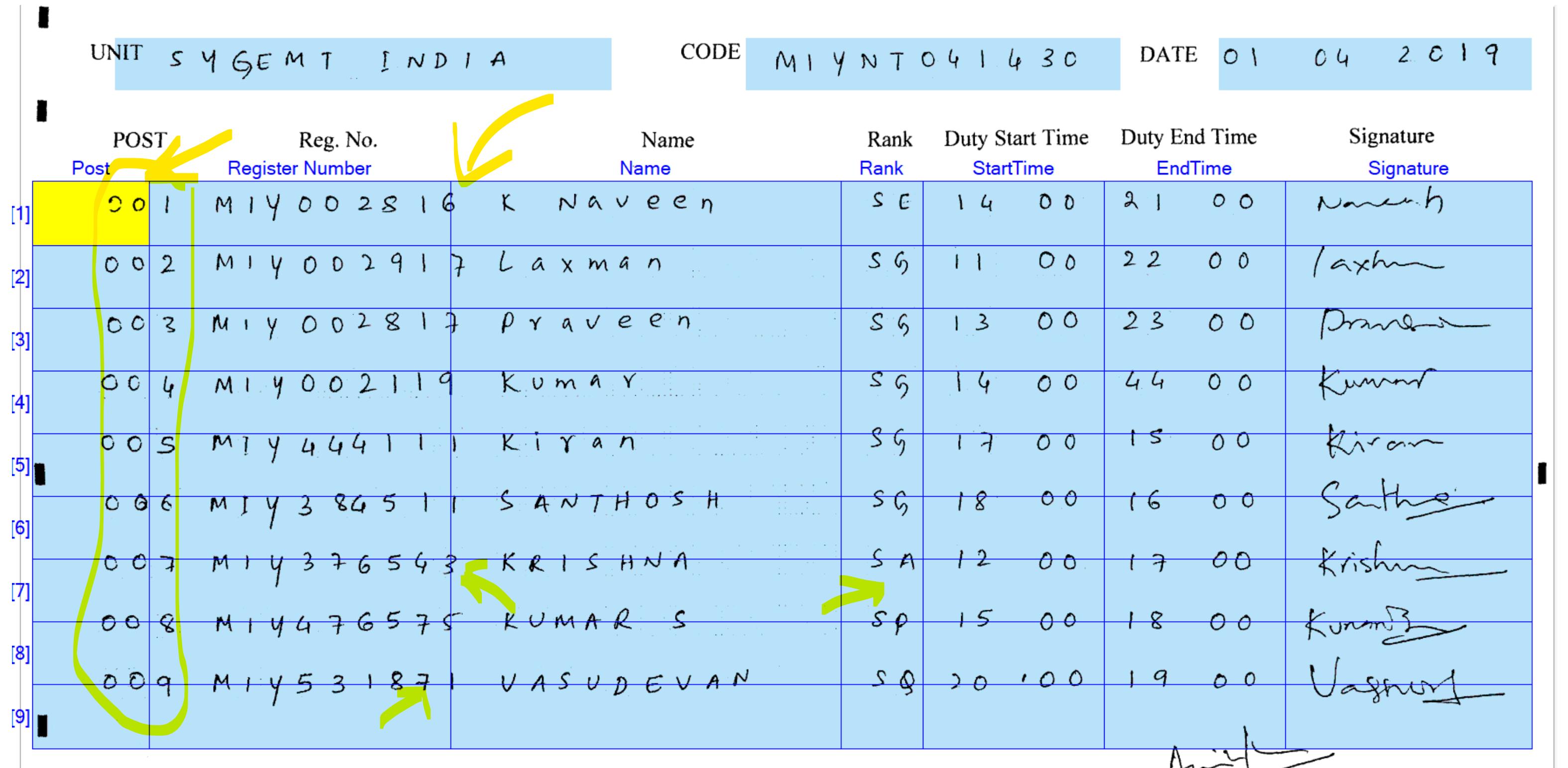
When I load a photo taken from a mobile of the same fixed form, the rows and columns are not separated clean. What parameters in the document definition editor should I tweak ?
Examples attached for scanned vs mobile photo
コメント
2件のコメント
The Life Hype is a blog about lifestyle, entertainment, tech, fitness, pets, and honest reviews. Click here https://thelifehype.com
It is advisable to use scanned documents for fixed document definition. Structured forms are documents containing a set of marked information fields whose formatting, number and layout does not change from one document instance to the next. Such documents are called fixed forms. For example, most questionnaires and application forms are fixed forms. Such forms are usually distributed as blank forms and filled out by hand.
To identify a fixed form in a document flow and to extract data from it, you need to create a single fixed layout that will tell the program the location of the fields containing data to be extracted.
Fixed forms created to meet the requirements of automatic input can be processed most effectively. Such forms are called machine-readable forms. To learn more about the requirements for such forms and the methods of creating them, see the section Creating a machine-readable forms.
The program includes a convenient tool for designing machine-readable forms ABBYY FormDesigner (supplied together with ABBYY FlexiCapture). You can read about designing forms with the help of ABBYY FormDesigner in the User Guide and help topics.
サインインしてコメントを残してください。