
Hi,
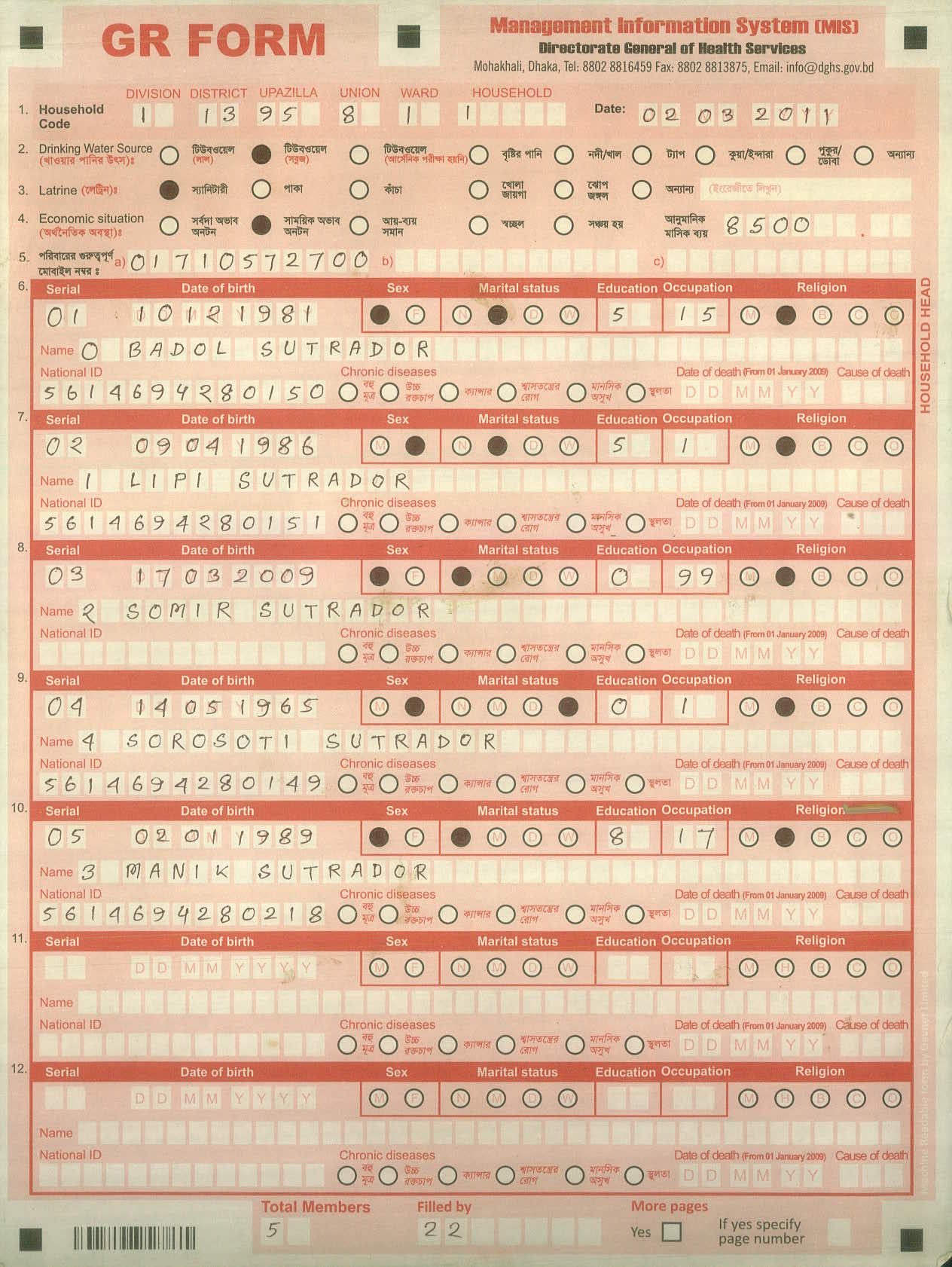
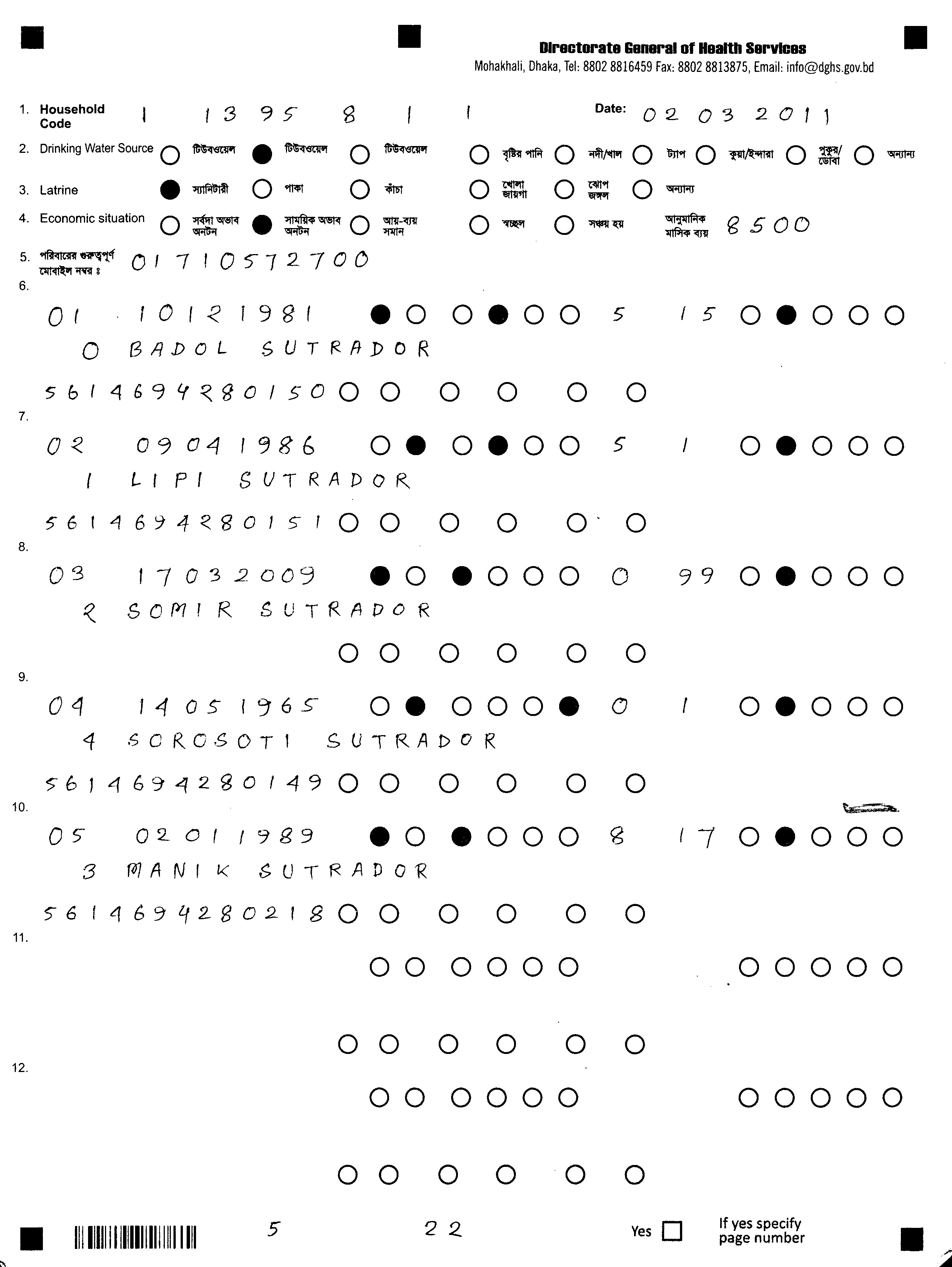
Can i drop a specific color for improve recognize quality after uploading a document into flexicapture 11. I can drop that color from the Scanner, but i need that ABBYY flexicapture will export the form with full color. Below i have attached two same type of form as an example. I want to use the color form for upload and recognize, While recognize the red color will drop automatically (For better recolonization) and when the image will export to destination from flexicapture, the output form should be the same like the uploaded color form .
Can i drop a specific color for improve recognize quality after uploading a document into flexicapture 11. I can drop that color from the Scanner, but i need that ABBYY flexicapture will export the form with full color. Below i have attached two same type of form as an example. I want to use the color form for upload and recognize, While recognize the red color will drop automatically (For better recolonization) and when the image will export to destination from flexicapture, the output form should be the same like the uploaded color form .
コメント
4件のコメント
In Custom Script.
I think you can use this ColorType Properties of NewImageSavingOptions() Method of FCTools.
like this
var imageOptions = FCTools.NewImageSavingOptions();
imageOptions.Format = "pdf";
imageOptions.ColorType = "FullColor";
or
Image Format Option in export tab
Best Regards
James
Thank you for your feedback. Sorry i can not make my need clear to you. Here is my case:
I have a form with many different color, And i'm using green color for Box's (Char Box). But those box's are too small to write anything clearly. Now I need to scan that document in full color [Because of i need to export those document from abbyy in full color format]. But if i upload this color document, the recognize quality are not that much good because of the small charbox. Therefore, i want to drop only green color from the document while abbyy recognize that document [then i will use Marking type: simple box in document definition] for better recognize quality.
If you convert your input images to Black and white in Flexi Capture, you will not be able to export them in color.
Also, currently there is no functionality in flexicapture that would allow dropping specific colors, unless you create forms using FlexiCapture FromDesigner.
Its possible to get original color images if you use HotFolders and an adcanced workflow with custom script stages.
For example you can try the follwoing approach:
1.Set up Hotfolders for uploading images in color and save uploaded images in "Processed" folder
In this case you will have a copy of original image in specified location
2.During document export find original images of document being exported and create a copy of them in specified location.
For this you will need to create your own export script.
Regards
Tim,
I will try in this way.
サインインしてコメントを残してください。