
Hi,
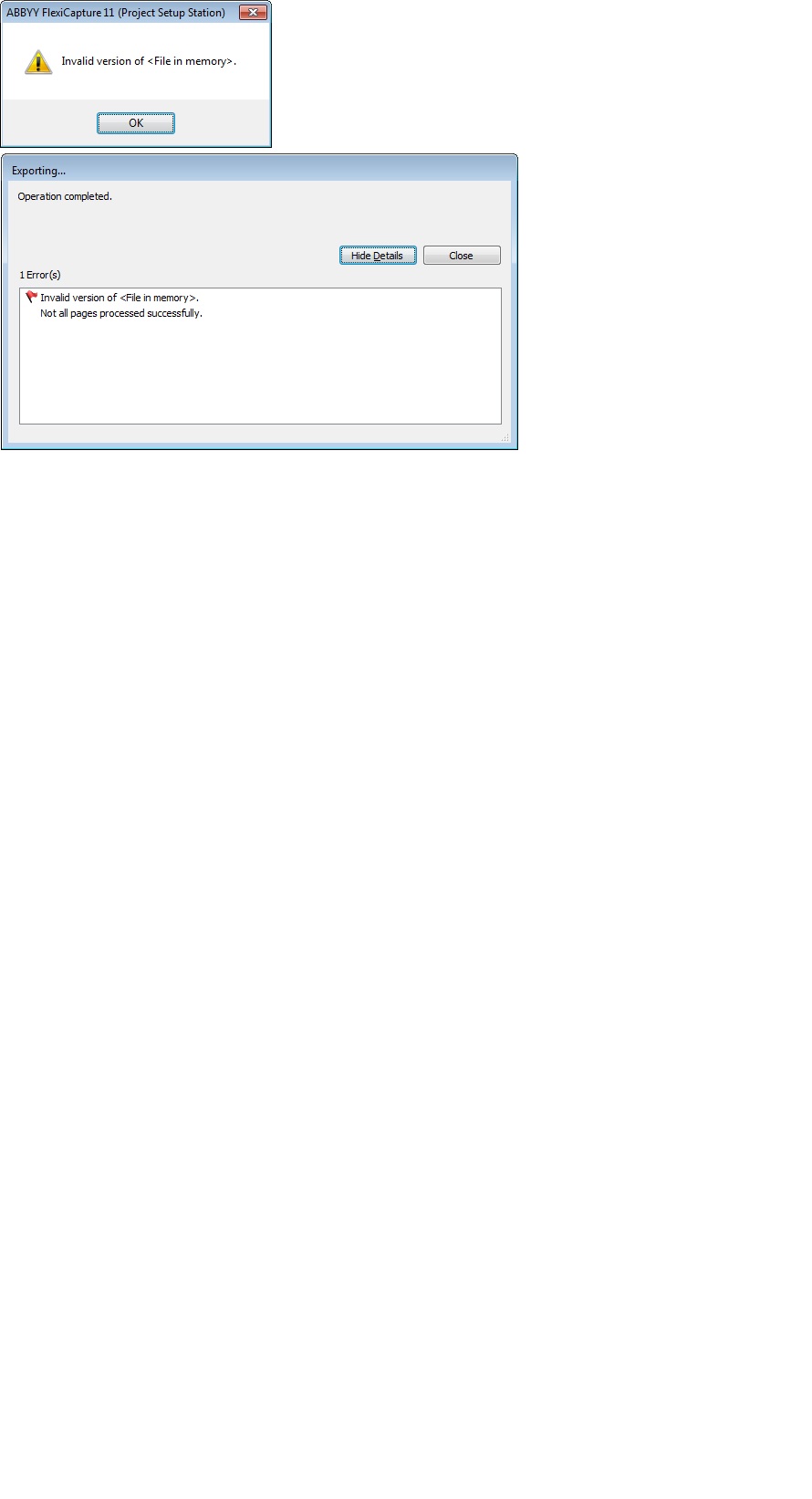
Setup hot folders for a new project today on a new server. Hot folders are successfully importing images and those images are being successfully recognized. When I try to open the image to view the results in Project Setup, or when I try to export I get the error "Invalid Version of File in Memory" see screenshot. What could be causing this?
コメント
4件のコメント
Hello,
Most popular cause to lead to this error is incompatibility of program versions. Please make sure that all your components belong to the same build of the FC11. If this cause is excluded please collect the AINFO logs (http://knowledgebase.abbyy.com/article/648) and contact your regional support.
Thank you that worked to resolve that particular issue, it was a mismatched version which I've now updated and I no longer get that error message. However, now I can't seem to run verification or export; I get the attached errors... I've granted myself every possible permission available through Administration and Monitoring Console and am listed as an ADMIN.
Task ID 405 referred to in the export error attached is the verification task according to Admin and Monitoring console. When I open this project in Verification Station there are "no tasks in queue" and attempting to verify through the document window gives one of the attached errors.
Hello,
Please if it is possible, stop the complex, delete all sessions and then restart.
It didn't work at first but I managed to get things working with a few more attempts. Thank you.
サインインしてコメントを残してください。