
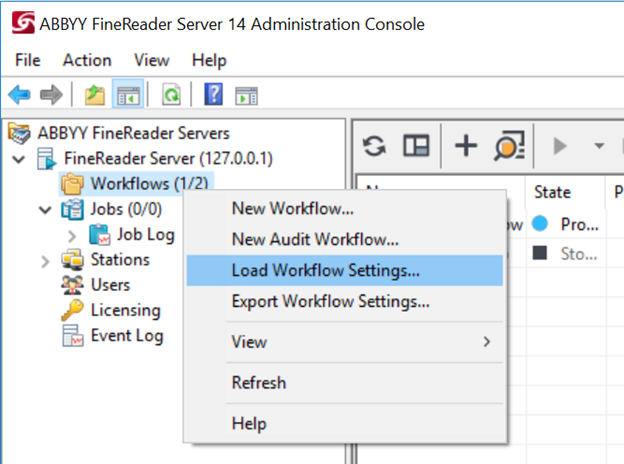
- Open the Administration Console -> Right click on the Workflows component -> Select Load Workflow Settings…
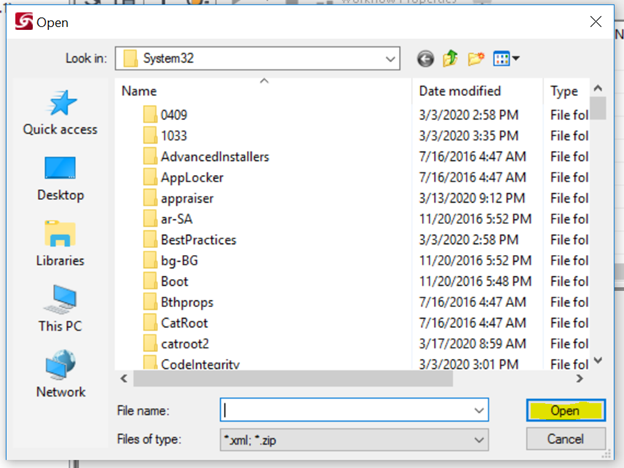
- After selecting the Load Workflow Settings, a Save As window will appear. In this Save As window, please locate where you have saved your Workflow. Once you’ve selected your Workflow file, click on the Open button:
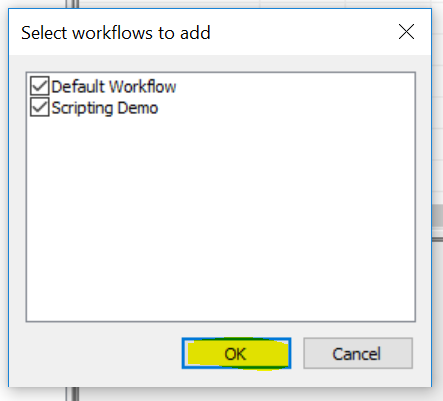
- Select the Workflow that you would like to import into FineReader Server 14 and then click on OK. In this example, I’ve selected all Workflows:
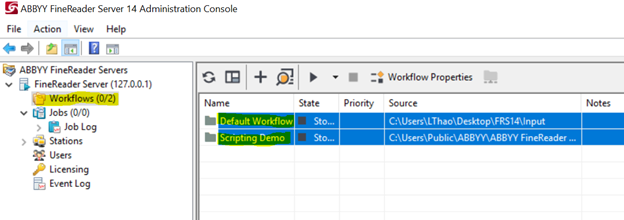
- If you check your Workflows component, you’ll see that the Workflows selected are now imported into FineReader Server 14:
Congratulations! You’ve learned how to import workflows into FineReader Server 14!